
WHAT IS BLUESTACKS ?
 |
| Bluestacks App Player For PC |
What is Bluestacks?
Bluestacks is an app player by which we can play (run) the android applications on PC. Android applications are made easy to run on PC by bluestacks app player.
TO RUN ANDROID APPLICATIONS (APPS) ON PC USING BLUESTACKS FOLLOW THE BELOW STEPS :
STEP 1 : Visit Bluestacks website and download the bluestacks app player. Click here to get bluestacks app player.
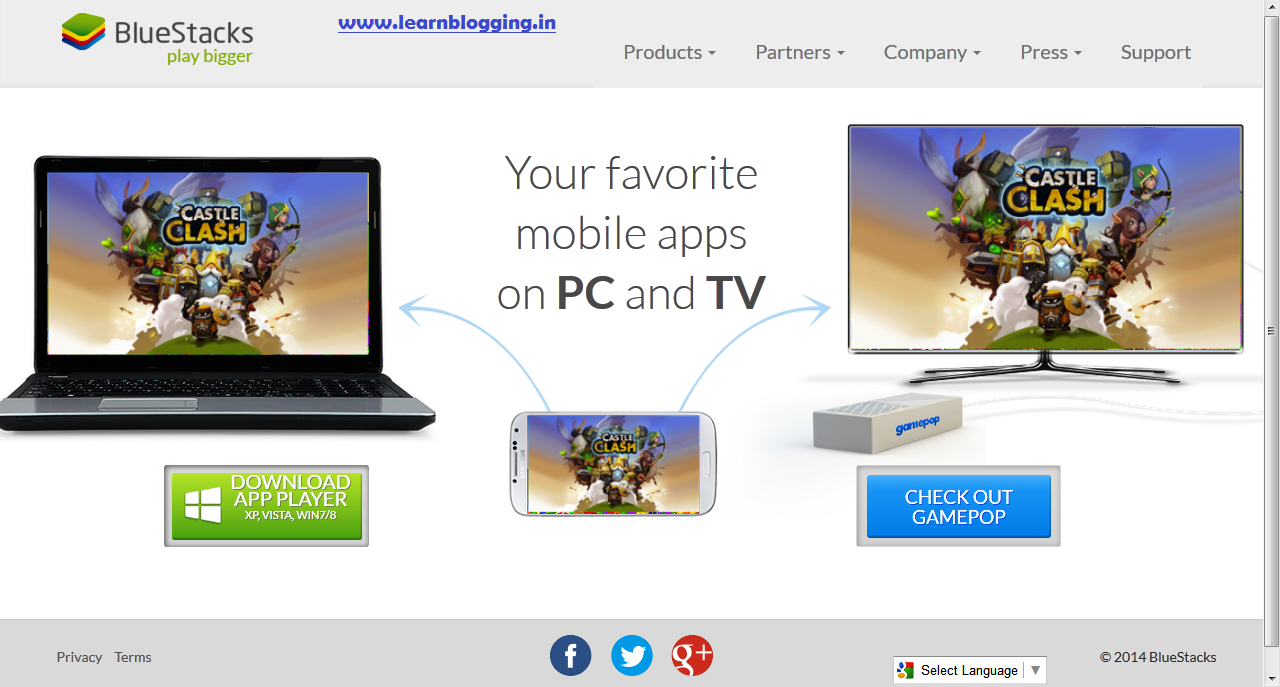 |
| BLUESTACKS.COM HOMEPAGE |
STEP 2 : Now choose your operating system option on bluestacks website correctly. If you are using Windows XP, Vista, Win7/8 you can dowload the bluestacks app player by clicking here.
STEP 3 : After clicking the above link, you will see a pop-up window appearing like the below asking you to save the file and install the bluestacks app player.


STEP 5 : The installation is quite very easy and takes little time too.

STEP 6 : After you have installed the bluestacks app player successfully, you can see a shortcut icon created on your computer's desktop names as start bluestacks. It means you can start the app player and run your applications on the app player from the desktop icon itself.
The Shortcut icon looks as,

STEP 7 : You are almost done, firstly you need to search for google play store application and download it in your bluestacks app player. Now, you can dowload any application you want to be runed on the PC directly by the play store and enjoy it on your PC.

And finally your bluestacks app player after successful installation looks as,
 |
| Bluestacks app player window |
Now enjoy your favourite applications to be runned on your PC/Computer.
PLEASE FEEL FREE TO COMMENT ON THIS ARTICLE !
No comments:
Post a Comment
COMMENT POLICY: We’re pleased to see your comment here. However, Please Keep in mind that all comments are moderated manually by humans according to our comment policy. Using Keywords and links to your blogs or websites in the name field area is forbidden. Let’s enjoy a personal and meaningful conversation. Do not break the rules of comment policy.